Understanding TradingView’s Key Features
In the ever-evolving world of financial markets, having access to the right tools can significantly enhance the trading experience. TradingView stands out as one of the leading platforms that cater to traders across different markets, providing comprehensive capabilities that include real-time market data, advanced charting tools, and customizable alerts. This article delves into the key features of TradingView, focusing on how they can help both novice and seasoned traders make informed decisions.
What is TradingView?
TradingView is a cloud-based platform that offers professional-grade charting and analytical tools for traders and investors worldwide. Launched in 2011, it has grown into a comprehensive social network for traders, enabling users to share ideas, strategies, and analysis. With access to multiple assets across various markets—including stocks, forex, cryptocurrencies, and commodities—TradingView has positioned itself as an essential tool for any trader looking to optimize their trading strategy.
Comprehensive Charting Tools Explained
At the heart of TradingView's offerings are its sophisticated charting tools. Users can create and customize charts that display price movements over different time frames, from seconds to months. This flexibility allows traders to conduct thorough technical analysis, identifying trends and patterns that can inform their trading decisions.
- Multi-Timeframe Analysis: Traders can switch between different timeframes quickly, allowing for a more dynamic analysis of price action.
- Overlaying Technical Indicators: Users can add numerous indicators (like moving averages, RSI, MACD) directly onto their charts to gain deeper insights into market conditions.
- Drawing Tools: Annotate charts with trend lines, Fibonacci retracements, and other drawing tools to visually track important levels.
Enhancing Analysis with TradingView
Multi-Timeframe Analysis Techniques
Utilizing multiple timeframes can provide a comprehensive view of market trends. By analyzing higher timeframes in conjunction with lower ones, traders can align their trades with the broader market direction, enhancing their chances of success. For example, a trader might use a daily chart to identify the overall trend and a 15-minute chart for pinpointing entry and exit points.
Integrating Indicators for Better Insights
TradingView supports a wide array of indicators that can be used to build customized trading strategies. By combining different indicators, traders can create unique setups tailored to their trading style. This customized approach allows for better market interpretation and decision making.
Utilizing Market Screener Tools Effectively
Market screeners are invaluable for traders looking to filter through vast amounts of data. TradingView offers customizable screening tools that allow users to set specific criteria based on technical indicators, price movements, and financial performance. This can help traders quickly identify potential trading opportunities and manage their watchlist effectively.
Cross-Device Functionality of TradingView
Syncing Data Across Platforms
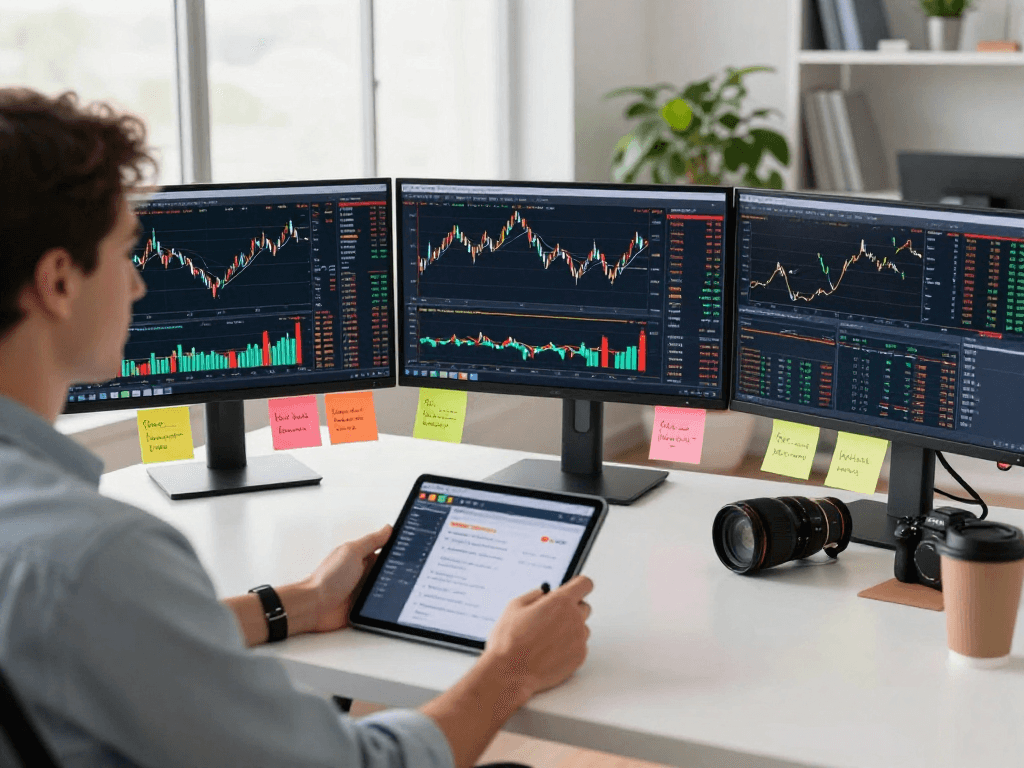
One of TradingView’s most appealing features is its ability to sync user data across multiple devices. Whether operating from a desktop, tablet, or smartphone, traders can seamlessly access their charts, watchlists, and alerts without missing a beat. This feature ensures that traders are always connected, and their analyses remain intact regardless of the device they choose to use.
Mobile vs. Desktop Experience
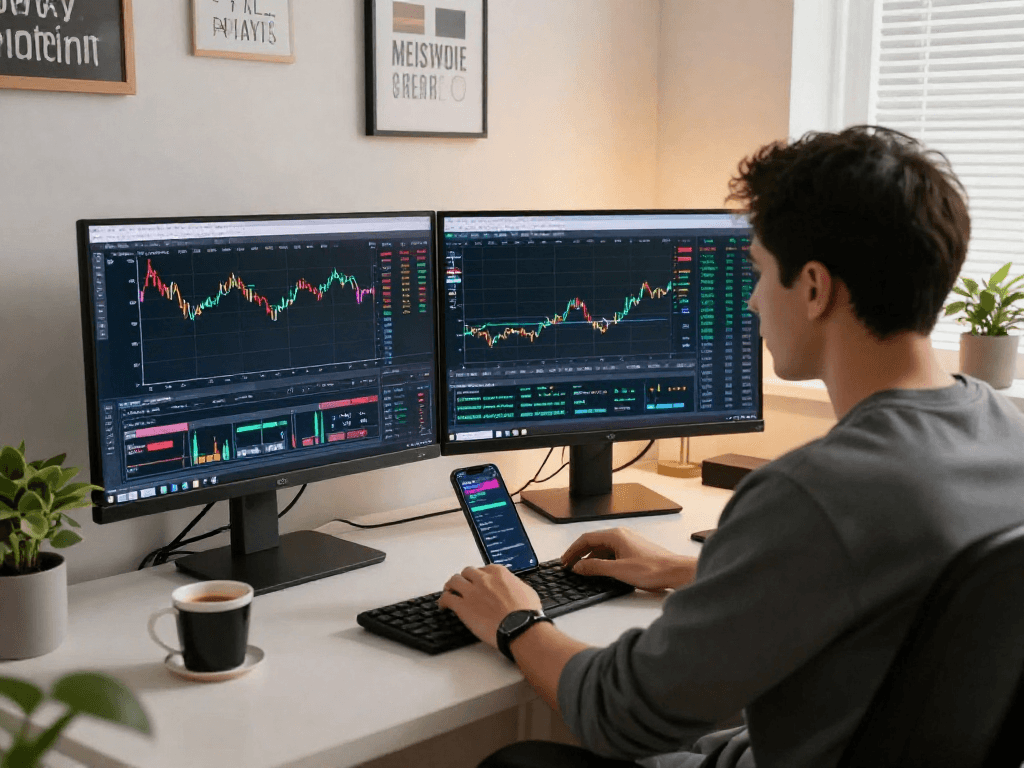
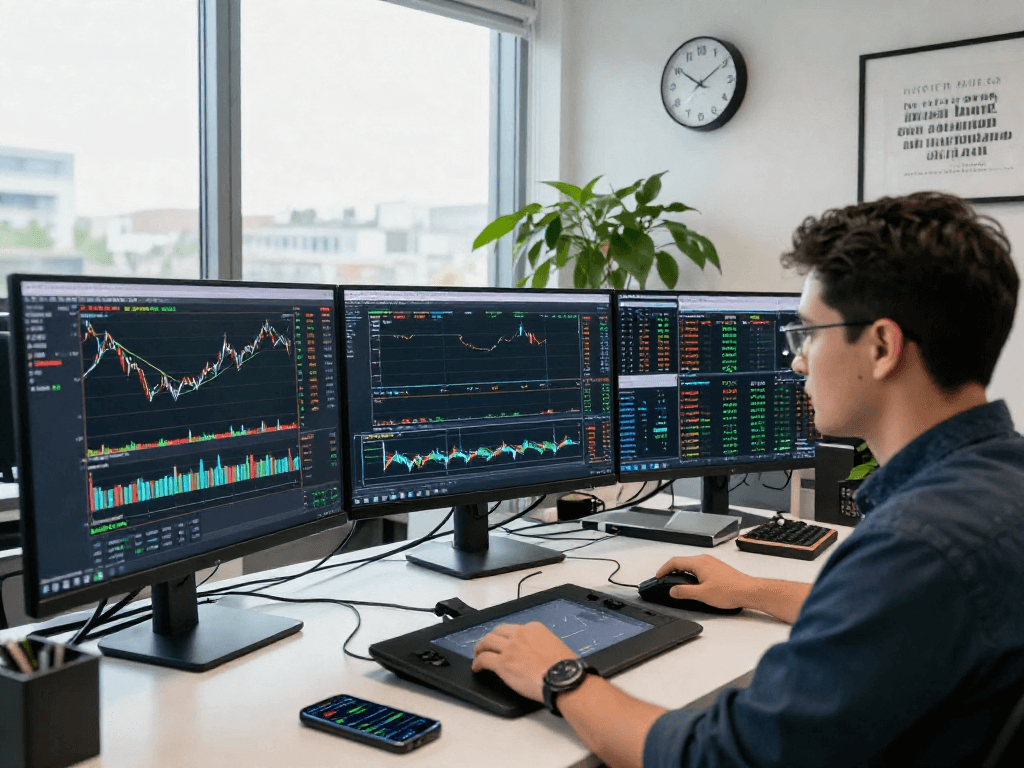
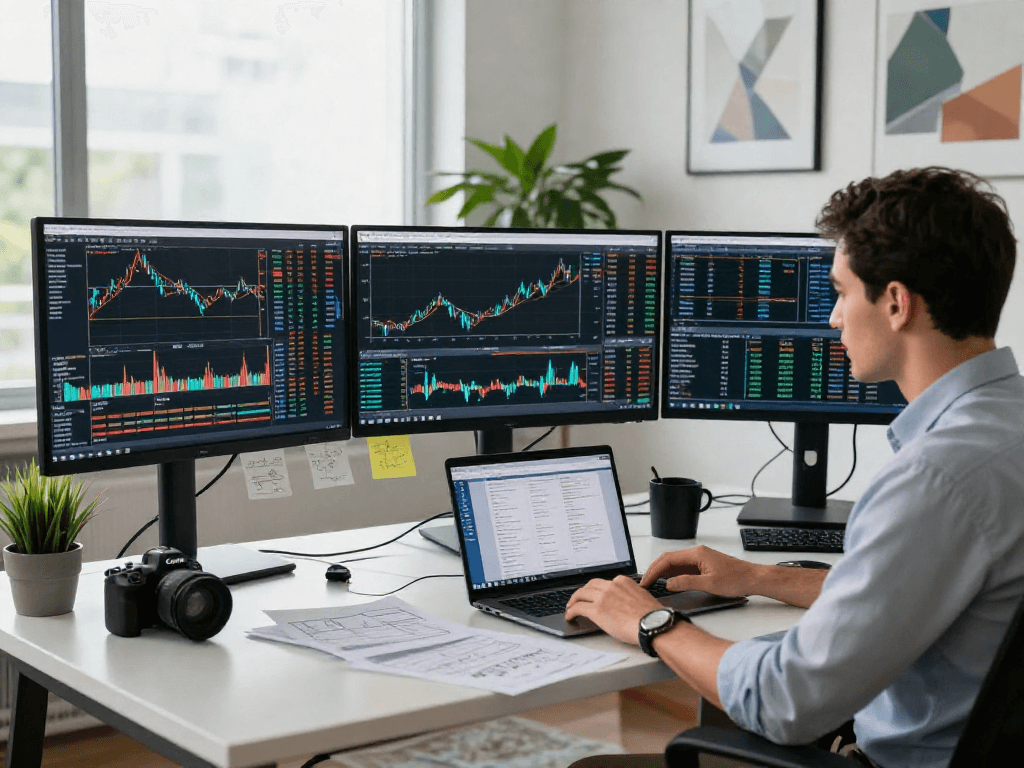
The mobile application of TradingView is designed to provide a user-friendly experience, allowing traders to monitor the markets and execute trades on the go. However, the desktop version offers advanced functionalities such as multi-monitor support and enhanced charting options, making it ideal for high-frequency traders or those who prefer a more immersive analysis experience.
Benefits of Using TradingView on Different Devices
Utilizing TradingView across various devices enhances flexibility for users. The web-based platform is accessible from any device with an internet connection, while the mobile application allows traders to receive instant updates and manage trades in real-time. This cross-device capability ensures that critical trading decisions can be made promptly, regardless of location.
The Benefits of Alerts and Notifications
Understanding Price Alerts and Their Importance
Price alerts are an essential feature for traders who wish to focus on analysis and strategy rather than continuous market monitoring. TradingView allows users to set alerts based on price levels or specific technical conditions, ensuring they receive notifications when critical thresholds are reached. This proactive approach to trading can help mitigate risks and capitalize on opportunities more efficiently.
Creating Custom Notifications for Trading Strategies
With TradingView, traders can create personalized alerts that align with their trading strategies. For example, a trader can set up alerts for moving average crossovers or when price approaches significant support and resistance levels. This feature allows traders to tailor their notifications to ensure they align with their trading goals and reduce the likelihood of missing critical market movements.
How Alerts Enhance Decision-Making
The alerts and notifications feature of TradingView equips traders with timely insights, enabling them to make informed decisions. By minimizing the need for constant monitoring, traders can focus on strategy development, risk management, and executing trades. This facilitates a more structured and disciplined trading approach, essential for long-term success.
Common Questions about TradingView
What Types of Users Benefit from TradingView?
TradingView caters to a diverse range of users, from individual retail traders to institutional investors. Its suite of tools is suitable for both beginners, who need easy-to-use interfaces and comprehensive educational resources, and experienced traders seeking advanced analytical capabilities. Additionally, the community features allow users to engage with other traders, enriching their learning experience.
Is the Desktop App Necessary for Trading?
While the desktop application offers enhanced functionalities for users who require advanced features like multi-screen layouts or extensive charting tools, it is not strictly necessary for trading. Most of TradingView's essential features are accessible via the web or mobile applications, making the platform versatile for different trading environments and preferences.
How Does TradingView Compare to Other Platforms?
TradingView distinguishes itself through its community-driven features and unparalleled charting tools. While other platforms may offer similar functionalities, TradingView’s combination of real-time market data, social sharing, and customizable tools provides a unique user experience that many traders find invaluable. Additionally, the platform's ability to cater to various asset classes makes it a comprehensive choice for multi-market trading.